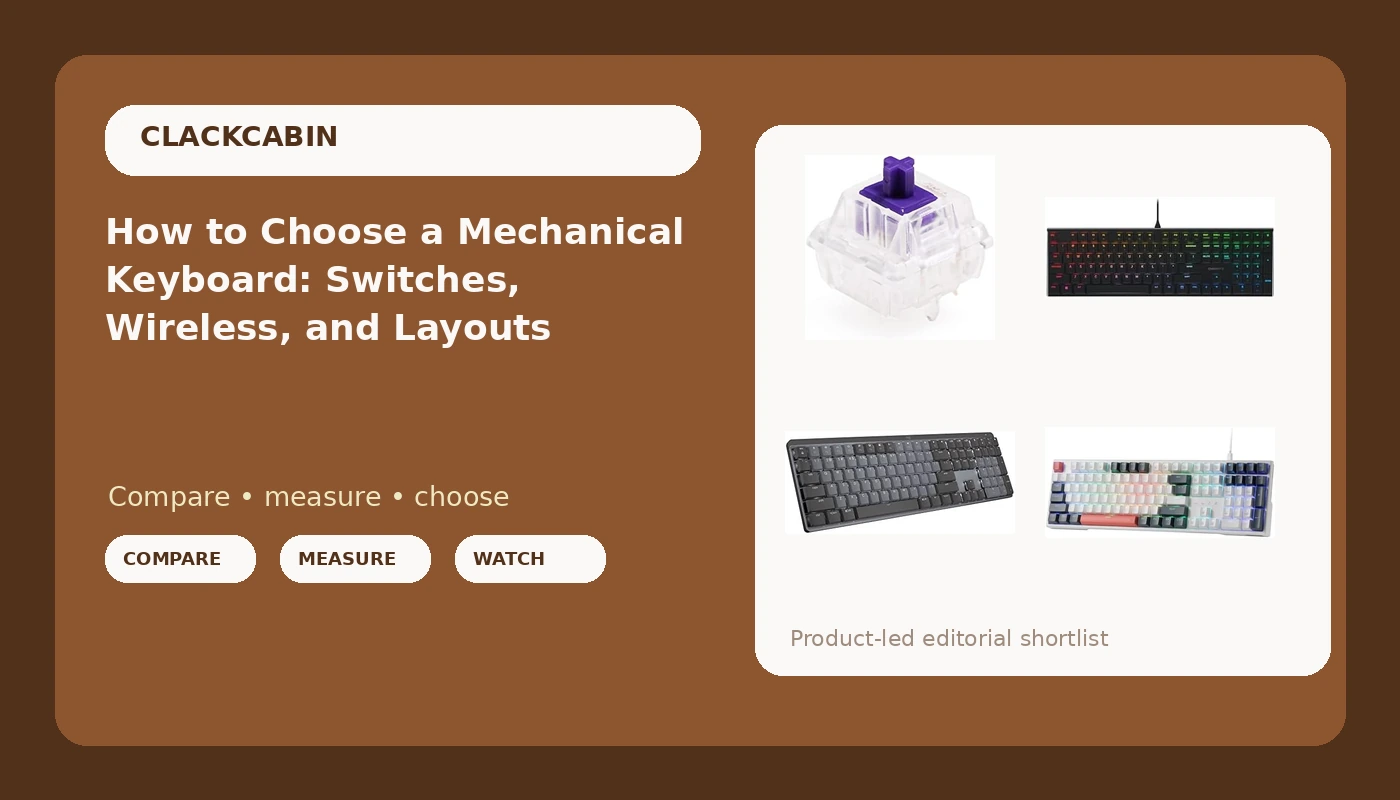
A mechanical keyboard buying guide usually opens with a promise about sound. That is the least useful place to start. Four decisions determine whether you will still like a board at keystroke 200,000: whether the switches are hot-swap, whether the layout fits your desk, whether you need wireless, and whether the switch weight matches how hard you actually type. The four products below cover those decisions from four different angles: a budget wired full-size board with sockets, a pack of tactile switches for a board you already own, a low-profile aluminum deck, and a wireless illuminated keyboard. None of them is the right answer for everyone. Here is how to work out which one is the right answer for you.
Related: Hot-Swap Sockets Explained: Why Your Next Board Needs Them →
Quick answer
Buy the board that matches your constraints, not the one with the longest feature list. If you type at a desk all day and want to change switches later, a hot-swap wired board is the lowest-risk starting point. If you already own a hot-swap board and dislike how it feels, buy switches before you buy another keyboard. If your day is split between a laptop and a desktop, put wireless at the top of the list. If you want a shorter, lower board for gaming and work, look at low-profile switches, and accept up front that standard MX keycaps will not fit them.
Four useful options
| Model | Best fit | What stands out |
|---|---|---|
| Redragon K668 108-Key Hot-Swap Wired RGB Gaming Keyboard, Extra 4 Hotkeys | A first mechanical board that can be modified later | 108-key layout, hot-swap sockets, wired connection, RGB, four extra hotkeys |
| Gateron Zealio V2 Switch Tactile (X70 PCS, Zealio 62g Switch) | Changing the feel of a board you already own | 70 tactile switches, 5-pin mount, MX stem, SMD RGB compatible |
| Cherry MX 10.0N RGB Mechanical Keyboard with MX Low Profile Speed switches | A lower, shorter board for gaming and work | Low-profile Speed switches in an aluminum housing with RGB |
| Logitech MX Mechanical Wireless Illuminated Keyboard Tactile, Graphite | One keyboard across several machines, no cable | Wireless, illuminated keys, tactile switches |
The entry point: Redragon K668 108-Key Hot-Swap Wired RGB Gaming Keyboard, Extra 4 Hotkeys
The trade-off here is straightforward. Wired means no battery and no dongle, but also no cable-free desk. A 108-key board eats horizontal space, so measure before you order if you use a compact desk or a keyboard tray. The reason to start here rather than with a fixed-switch board is the sockets: if the switches turn out to be too light, too heavy, or too loud for your room, you replace them for the price of a switch pack instead of replacing the keyboard. On a board at this price point, plan on checking the stabilizers early, because stabilizer noise is the most common first project on a budget deck, and a rattly spacebar is a lubing job rather than a return.
The upgrade pack: Gateron Zealio V2 Switch Tactile 62g 65g 67g 78g 5pin SMD RGB mx stem Switch for Mechanical Keyboard Purple Colorway (X70 PCS, Zealio 62g Switch)
Count the switches before you order. Seventy covers a 60 percent, 65 percent, or 75 percent board with spares left over, but a 108-key board needs more than one pack. The 5-pin detail matters more than most buyers expect: a 5-pin switch has two extra plastic legs that locate it in the plate, and a hot-swap socket has to be built to accept them. Some sockets take 5-pin switches directly, and some require you to clip the two extra legs off first. Clipping is a two-minute job with flush cutters, but it is permanent, so check your socket type before you start. Tactile switches like these have a bump partway down the press, which is a reasonable middle ground between a linear switch that is smooth all the way down and a clicky switch that makes noise on purpose.
The low-profile pick: Cherry MX 10.0N RGB Mechanical Keyboard MX Low Profile Speed switches, Aluminum housing, Premium Keyboard for Gaming and Work. G8A-25010LVBUS-2
Two things to know before you commit to a low-profile board. First, low-profile switches are not MX-compatible in the keycap sense: standard MX keycaps will not seat on them, so you are limited to the keycap sets made for low-profile stems. That is a real constraint if you were planning to swap in a favorite set later. Second, the Speed designation means the switch registers earlier in the press than a standard switch. For fast games that reads as responsiveness. For long stretches of prose it can read as twitchy, especially if you rest your fingers on the keys. The aluminum housing is the part that ages well: a metal case transmits less hollow resonance than a thin plastic one, and it usually does not slide around on a desk.
The wireless pick: Logitech MX Mechanical Wireless Illuminated Keyboard Tactile - Graphite
Wireless is not a feature on its own. It is three features wearing one word: latency you cannot feel, battery life you do not think about, and a connection that does not drop mid-sentence. On any illuminated wireless board, backlighting is the single biggest drain on the battery, so if maximum time between charges matters to you, plan on running the lighting dim or off during the day. Check the pairing story before you buy as well: how many devices the board remembers, how you switch between them, and whether it charges over USB-C while you keep typing. If you work from a laptop most of the day and dock it at night, a wireless board removes a step from both ends of the day.
Prices and availability may change. Product images, names, and retailer links must be matched by verified ASIN. Do not state a current price, rating, stock status, or measured result without current evidence.
How hot-swap, 5-pin, and MX stems actually work
Almost every switch you can buy for a mechanical keyboard uses the MX stem standard, which is why keycaps from one brand usually fit another. What varies underneath is the mounting. A 3-pin switch has a central plastic post and two metal pins. A 5-pin switch adds two thin plastic legs that drop into matching holes in the plate, which stops the switch from rotating and keeps it aligned. Hot-swap sockets are the electrical half of that equation: instead of soldering the switch pins to the PCB, the board has metal contacts that grip the pins, and a small tool pulls the switch straight out.
The catch is that not every socket accepts every switch. Socket designs differ in how much room they leave for the plastic legs, and the electrical contacts are sized for a range of pin thicknesses. If a 5-pin switch will not seat, the standard fix is to clip the two plastic legs flush with the switch housing and install it as a 3-pin switch. The electrical pins are untouched, so nothing about the switch's behavior changes. If you buy switches and a board separately, verify two things: that the board is hot-swap, and that its sockets are listed as 5-pin compatible.
Two more compatibility notes are worth memorizing. SMD RGB compatibility means the switch housing has a cutout that lets light from surface-mounted LEDs on the PCB pass through, which matters on boards where the lighting sits under the switch rather than inside it. And if you plan to use Cherry profile keycaps, check the LED orientation: north-facing LEDs place the light above the switch stem, where taller keycap skirts can collide with it, and south-facing LEDs avoid the clash.
How to judge a keyboard before it arrives
You cannot measure a board you have not touched, but you can eliminate the wrong ones before spending anything.
- Decide the layout by measuring the desk, not by preference. A full-size 108-key board is roughly 17 inches wide. If your keyboard tray, monitor stand, or mouse space cannot absorb that, a 75 percent board is the honest answer.
- Pick the switch weight to match your hands, not your games. A light switch rewards a light touch and punishes heavy resting fingers with accidental presses. A heavier switch is more forgiving for people who type hard.
- Choose the connection by your worst day, not your best one. Wireless earns its place on a laptop-and-desktop setup. On a fixed desktop where the cable is out of sight anyway, wired removes an entire category of problem.
- Check for hot-swap before anything else. A board without sockets is a permanent decision, and sockets are the one feature that lets you correct a switch mistake for the price of a switch pack.
- Read the keycap and firmware compatibility notes. Keycap profile, LED orientation, and whether the board supports open firmware for remapping all determine whether the board stays useful in year three.
What to check before you click buy
- Confirm hot-swap, and confirm 5-pin support if you already own 5-pin switches.
- Count the keys you need, then count the switches a pack contains. A 70-piece pack does not cover a 108-key board.
- Match the switch type to the room. Tactile is the safe default for shared spaces and calls. Clicky switches are a private-office decision.
- For low-profile boards, budget for low-profile keycaps, because standard MX sets will not fit.
- For wireless boards, check the charging port, how many devices it pairs with, and how you switch between them.
Which option should you choose?
Choose the Redragon K668 108-Key Hot-Swap Wired RGB Gaming Keyboard, Extra 4 Hotkeys when you want a full-size desk board with a number pad, you do not need wireless, and you want the option to change switches later without buying another keyboard. Choose the Gateron Zealio V2 Switch Tactile pack when you already own a hot-swap board, the layout is fine, and the only thing you want to change is how the keys feel. Choose the Cherry MX 10.0N RGB Mechanical Keyboard when you want a shorter, lower board with an aluminum housing and you are comfortable staying within the low-profile keycap ecosystem. Choose the Logitech MX Mechanical Wireless Illuminated Keyboard Tactile when you work across more than one machine and value a cable-free desk over the ability to swap switches.
A caveat on all four: the descriptions above come from the manufacturer specifications and naming, not from measured results. Sound, feel, and long-term reliability are things you establish by living with a board, and any claim about them should come with a measurement behind it. Treat the spec sheet as a filter and the return window as your real test.
The bottom line
The mechanical keyboard buying guide question is not which board is objectively better, because there is no such ranking. It is which constraint you are unwilling to live with. If you want to modify a board later, hot-swap sockets come first. If you want one keyboard across two machines, wireless comes first. If you want a lower deck for gaming and work, low-profile switches come first, and you accept the keycap limit that comes with them. Start from the constraint, buy the board that satisfies it, and spend the difference on switches rather than on a longer feature list.