Shopping for a keyboard in 2026 means picking a side in a quiet argument about how a keypress should register. Standard mechanical switches fire at a fixed point every single time, set at the factory and impossible to change. Hall Effect mechanical keyboards use magnetic sensing instead, which turns that trigger point into a number you adjust in software, and lets the switch reset the instant you lift your finger rather than at a fixed release point. That gets marketed as a gaming feature, but it also changes how fast repeat typing feels and how much accidental travel a heavy-handed typist can absorb. The harder question is layout, because Hall Effect now shows up on 60% boards, 75% boards, and full-size boards with number pads, and those are genuinely different tools. This explainer walks through four current options and what each one is actually built to do.
Related: Rapid Trigger vs Standard Mechanical Switches →
Quick answer
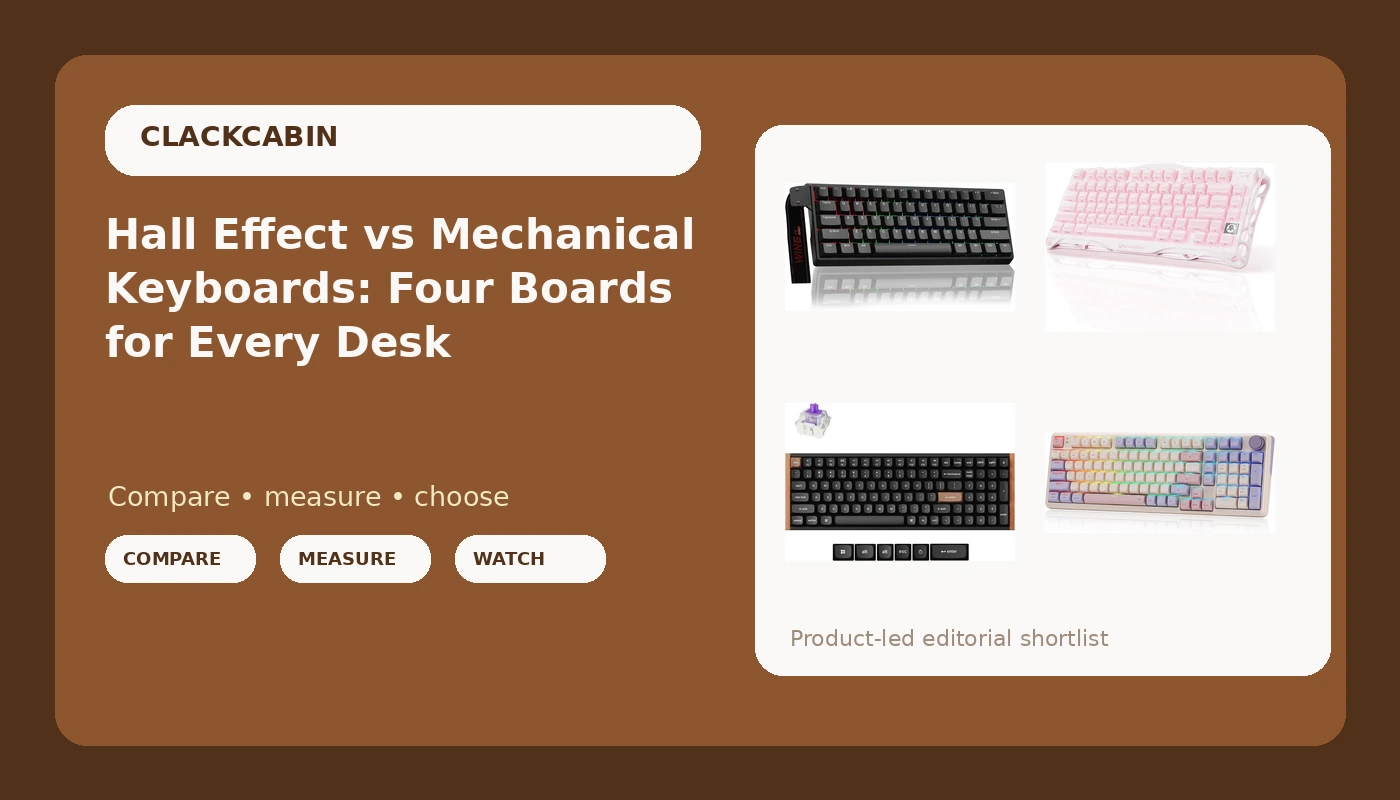
There is no single winner here, because these four boards differ most in size and connectivity. The Aula WIN60 HE is the compact wired option built around adjustable actuation and rapid trigger. The GravaStar Mercury K1 is the 75% wireless board. The Keychron K4 HE combines a number pad with Hall Effect switches, open firmware, and three connection modes. The Redragon K768 PRO is the full-size wireless board with a knob and a large battery. Match the layout and connection type to your desk first, then decide how much you care about tunable switches.
Four useful options
| Model | Best fit | What stands out |
|---|---|---|
| Aula WIN60 HE 60% Mechanical Gaming Keyboard | Small desks and tunable switches | Magnetic hot-swappable switches, adjustable actuation, rapid trigger, 8000 Hz polling |
| GravaStar Mercury K1 75% Wireless Mechanical Gaming Keyboard | Wireless 75% layouts | Wireless mechanical board with RGB backlighting |
| Keychron K4 HE 96% Wireless Hall Effect Keyboard | Number pad plus remapping | Hall Effect switches, QMK Launcher support, 2.4GHz, Bluetooth, and wired modes |
| Redragon K768 PRO Wireless 100-Key Gasket Gaming Keyboard | Full-size wireless with a knob | Gasket mount, rotary knob, 8000mAh battery |
Compact pick: Aula WIN60 HE - 60% Mechanical Gaming Keyboard Wired, Magnetic Switch Hot Swappable, Adjustable Actuation Rapid Trigger Mode, 8000 Hz Polling Rate, RGB Small Keyboard 60 Percent Compact Design for PC
The trade-off with any 60 percent layout is the missing keys. There is no dedicated function row, no arrow cluster, and no number pad, so navigation and media controls move onto layered shortcuts. If you spend your day in a terminal or an editor where arrow keys and function keys are muscle memory, the adjustment period is real, and it lasts longer than the unboxing video suggests. In exchange you get the most desk space back of anything in this group, plus a switch platform you can tune rather than replace. Because it is wired only, there is also no battery to think about, which is the correct call for a board you plan to leave in one spot.
Wireless 75% pick: GravaStar Mercury K1 75% Wireless Mechanical Gaming Keyboard RGB Backlit
The 75 percent size is the compromise most people actually want: compact enough to leave room for a mouse on a small desk, complete enough that you never have to remember a layer to hit Delete or F5. That matters more for programming and writing than for gaming, where a smaller board is often just a mouse-space decision. The things to weigh here are switch type, since this listing does not advertise magnetic Hall Effect switches the way the other two wireless boards do, and whether the wireless connection is stable in your specific room, which depends on interference far more than on the spec sheet. If you want tunable actuation specifically, look at the two Hall Effect options instead.
Number-pad pick: Keychron K4 HE 96% Wireless Hall Effect Keyboard with Number Pad, Rapid Trigger Magnetic Switches, QMK Launcher, 2.4GHz/Bluetooth/Wired, Mac & Windows, Wood Accent Frame, Black (Non-Shine-Through)
The 96 percent layout is the interesting part here. It keeps a number pad while trimming the gaps and the extra navigation cluster that make a full-size board so wide, which is a meaningful difference if you type numbers all day and also need mouse room. The other notable detail is firmware: QMK Launcher support means remapping is handled in a browser rather than through a vendor utility that may or may not still be updated in three years. That is the difference between owning the layout and renting it. Note that this listing is the non-shine-through version, so the keycaps are not built to let backlight through the legends, which is a deliberate aesthetic choice rather than a defect.
Full-size pick: Redragon K768 PRO Wireless 100-Key Gasket Gaming Keyboard, Knob + 8000mAh
Gasket mount is the detail worth understanding here. Instead of the plate being screwed rigidly into the case, it sits on flexible material so the case absorbs less of each keystroke. In practice that softens the bottom-out feel and changes the sound, usually toward something less sharp. It is a genuine difference, though not a transformation, and plenty of good boards skip it. The knob is the more immediately useful feature for most people: a physical volume control that does not require a keyboard shortcut or a trip into software. The 8000mAh battery figure is the headline number, but battery life depends on backlight brightness and connection type, so treat the capacity as a starting point rather than a promise.
Prices and availability may change. Product images, names, and retailer links must be matched by verified ASIN. Do not state a current price, rating, stock status, or measured result without current evidence.
How adjustable actuation actually changes typing
A conventional mechanical switch closes a circuit at a fixed point in its travel, usually somewhere around 2mm down, and it resets at a fixed point on the way back up. You cannot move either number. A Hall Effect switch measures the magnetic field of the stem instead, so the firmware knows how far down the key is at all times. That means the actuation point becomes a setting, often adjustable across a wide range, and the reset point can be placed independently.
Two consequences matter for anyone who types rather than just games. First, you can raise the trigger point so a key registers with a shallower press, which reduces finger travel over a long day, or lower it so a resting hand does not fire keys by accident. Second, rapid trigger lets the switch reset the moment your finger starts moving up rather than at a fixed release point. That is a large advantage for fast repeated taps in games. For ordinary prose typing it is a much smaller effect, because you rarely press the same key twice in a few milliseconds. If your work is mostly writing, adjustable actuation is a nice-to-have; if it is mostly competitive gaming, it is closer to the point of the purchase.
What to check before you commit to a layout
Layout is the decision you live with every day, and it is the one buyers most often get wrong because it looks like a size question when it is really a workflow question.
- Count the keys you press without looking. If arrow keys, function keys, or a number pad are in that set, a 60 percent board will cost you weeks of relearning.
- Decide whether you need a number pad. If you enter figures regularly, the 96 percent and 100-key options save you from a separate numpad.
- Check the connection types you actually need. A wired-only board is simpler and never needs charging, while 2.4GHz and Bluetooth add flexibility at the cost of a battery.
- Confirm the firmware situation. Boards with open remapping support stay useful as your workflow changes; boards locked to a vendor utility do not.
- Confirm the switch platform is hot-swappable if you plan to change switches later, since that is the difference between a five-dollar tool and a soldering iron.
Practical guidance for choosing
- Pick your layout first and your switch technology second. A perfectly tunable board in the wrong size is still the wrong board.
- Treat wireless as a set of features rather than one feature: connection type, battery capacity, and how the board behaves when the battery runs low all matter separately.
- If you share a workspace or take calls all day, prioritize a case and plate design that keeps noise controlled, and check whether your switch choice is the louder variable.
- Budget for the extras. Keycaps, a wrist rest, and a spare cable add up, and a board with an unusual layout may limit which keycap sets fit.
- Buy from a listing you can return. Switch feel is personal, and no spec sheet substitutes for a week of your own typing.
Which option should you choose?
Choose the Aula WIN60 HE when you want the smallest possible footprint and tunable magnetic switches, and you can live without arrow keys and a function row. Choose the GravaStar Mercury K1 when you want a 75 percent layout with the function row and arrows intact, and wireless freedom matters more than adjustable actuation. Choose the Keychron K4 HE when you need a number pad, want Hall Effect switches, and care about remapping through open firmware across Mac and Windows. Choose the Redragon K768 PRO when you want a full-size wireless board with a knob, a gasket mount, and a large battery.
One caveat applies to all four: the listings here describe the features each board is sold with, and switch feel, sound, and wireless reliability vary with your desk, your room, and your typing style. Nothing in a spec sheet tells you whether you will still like a board at month six, which is why a return window is worth more than any single specification.
The bottom line
The Hall Effect question is really two questions. If you want adjustable actuation and rapid trigger, the Aula WIN60 HE and the Keychron K4 HE are the two boards here built around it, one compact and wired, one with a number pad and three connection modes. If you mainly want a good wireless mechanical board and do not need tunable switches, the GravaStar Mercury K1 covers the 75 percent middle and the Redragon K768 PRO covers full-size with a knob and a large battery. Decide the layout and connection type you need first, then let the switch technology break the tie.