If you type for a living, the keyboard is the one piece of hardware you touch more than any other, and it is usually the last thing anyone researches properly. Search results are dominated by gaming marketing, group buys that ship in fourteen months, and spec sheets that list "premium feel" as if it were a feature. This guide takes a narrower approach: six mechanical keyboards for coding that you can actually buy today at retail, spanning compact 60% wired builds, tenkeyless wireless boards, low-profile options, and full-size desks. Layout, switch type, connectivity, and remapping support are the things that change how a board behaves at hour eight of a long shift, so those are the axes this comparison uses.
Related: Wired or Wireless Mechanical Keyboard: What Actually Matters on a Work Desk
Quick answer
The AULA F75 Pro Wireless Mechanical Keyboard is the strongest fit for most desks because it combines a compact 75% layout with hot-swappable sockets, pre-lubed switches, side-printed PBT keycaps, a rotary knob, and three connection modes (2.4GHz, USB-C, and Bluetooth 5.0). Choose the Keychron K8 Tenkeyless Wireless Mechanical Keyboard instead when you want a wider tenkeyless layout with Mac-friendly Bluetooth and wired Type-C in a single board.
Mechanical keyboards worth comparing
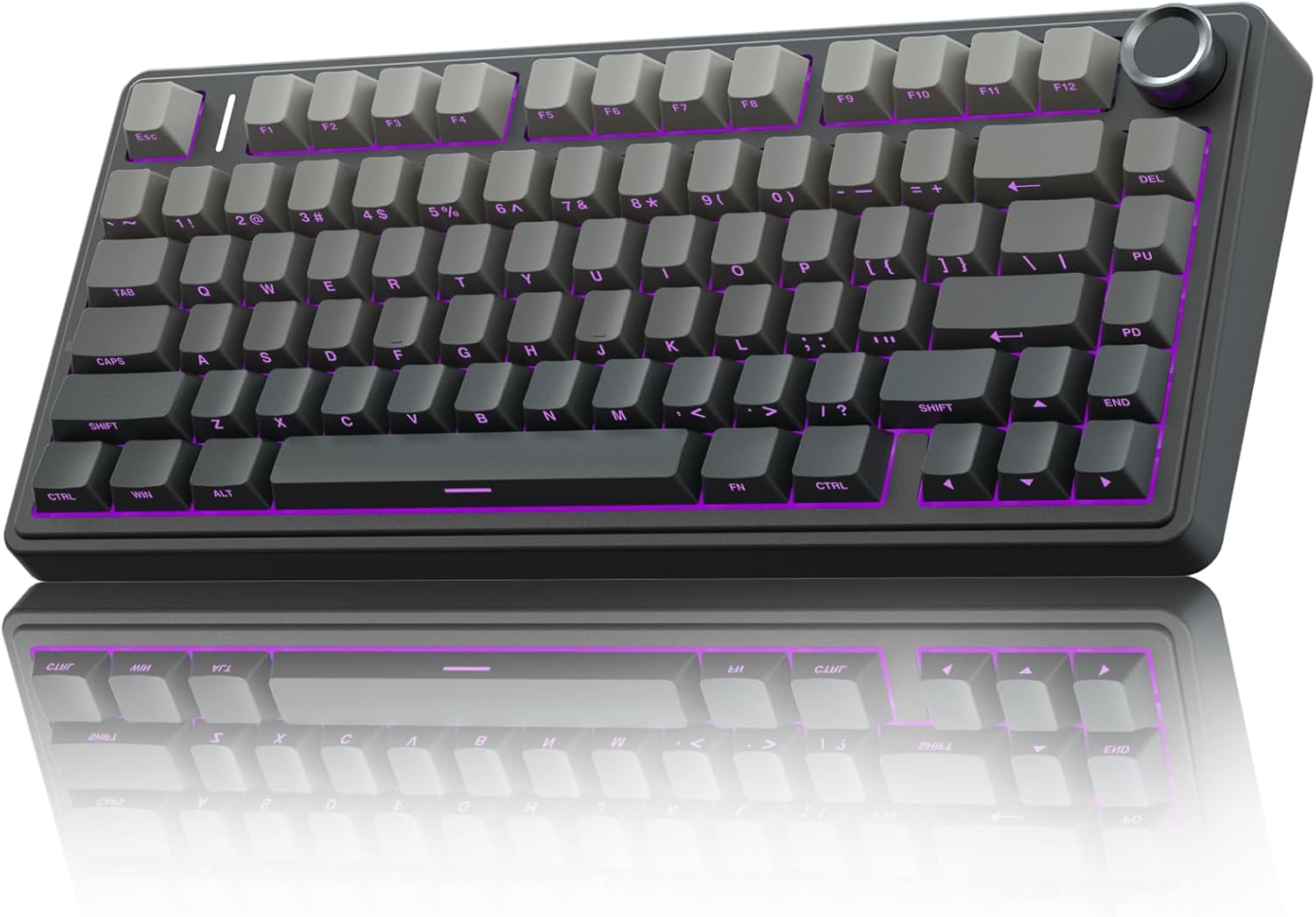
AULA F75 Pro Wireless Mechanical Keyboard,75% Hot Swappable Custom Keyboard with Knob,RGB Backlit,Pre-lubed Reaper Switches,Side Printed PBT Keycaps,2.4GHz/USB-C/BT5.0 Mechanical Gaming Keyboards
Check current Amazon price
A 75% hot-swappable board with a rotary knob, RGB backlighting, pre-lubed Reaper switches, and side-printed PBT keycaps. Connects over 2.4GHz wireless, USB-C, or Bluetooth 5.0.
Visit on Amazon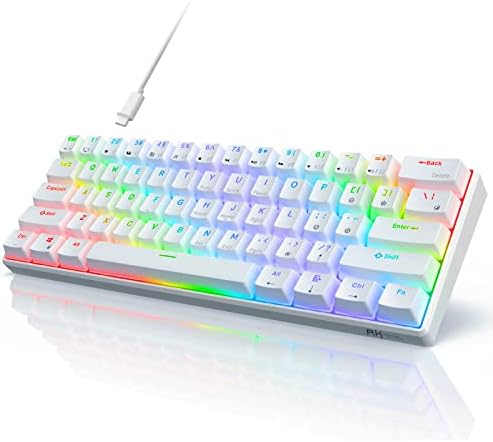
RK ROYAL KLUDGE RK61 Wired 60% Mechanical Gaming Keyboard, Compact PC Game Keyboards with QMK/VIA Programmable RGB Backlit, Hot Swappable Custom Keyboard for Win/Mac, Pre-lubed Red Switch, White
A compact 60% wired board with QMK and VIA programmability, hot-swappable sockets, pre-lubed Red switches, RGB backlighting, and support for both Windows and Mac layouts.
Visit on Amazon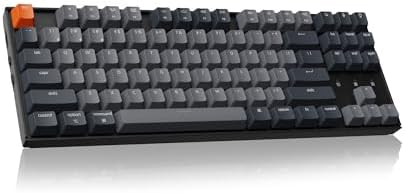
Keychron K8 Tenkeyless Wireless Mechanical Keyboard for Mac, White Backlight, Bluetooth, Multitasking, Type-C Wired Gaming Keyboard for Windows with Brown Switch
Check current Amazon price
A tenkeyless wireless board built with Mac users in mind: Bluetooth, white backlighting, multitasking shortcuts, Brown switches, and a Type-C wired mode for Windows and Mac.
Visit on Amazon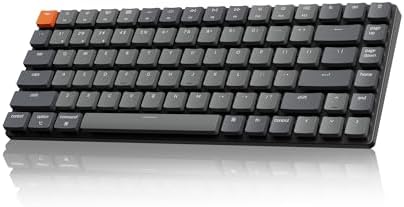
Keychron K3 Version 2 QMK 75% Wireless Low-Profile Mechanical Keyboard
A 75% low-profile wireless mechanical keyboard with QMK firmware support, for desks and bags where vertical space matters and a slim profile is the priority.
Visit on Amazon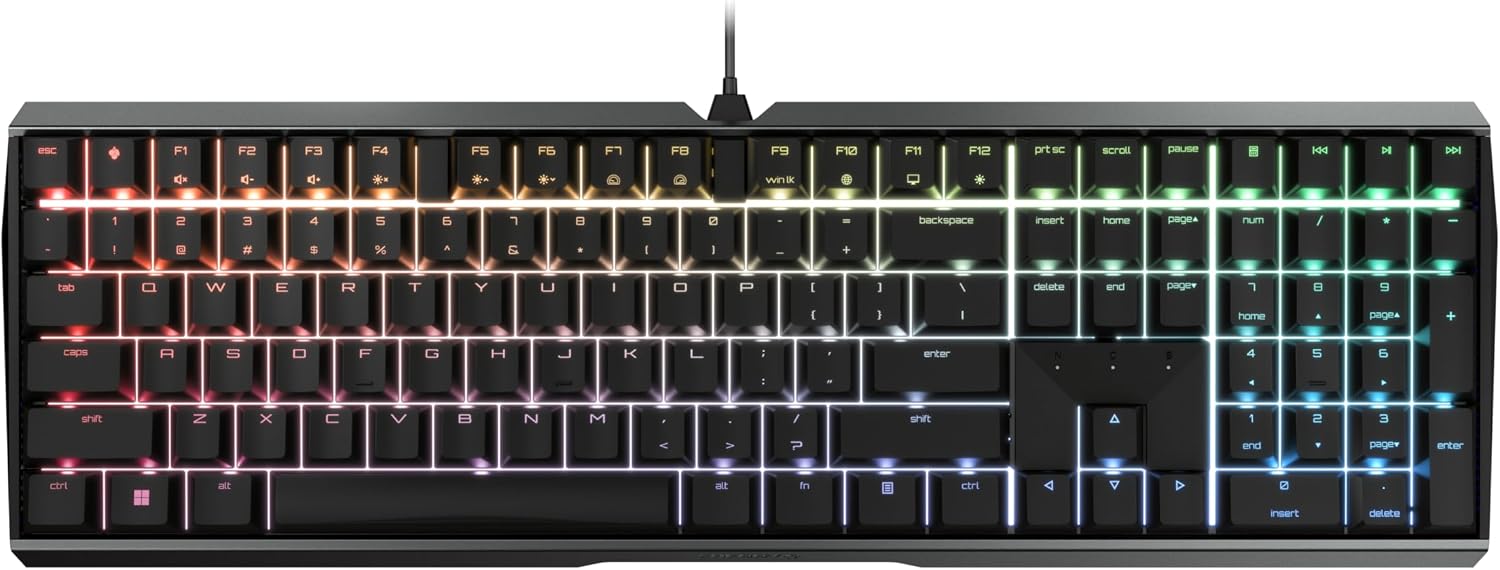
Cherry MX 3.0S Wired Mechanical Gaming Keyboard MX2A Silent RED Switches
A wired mechanical keyboard built around Cherry MX2A Silent Red switches, a linear and deliberately quiet option for shared rooms, open offices, and late shifts.
Visit on Amazon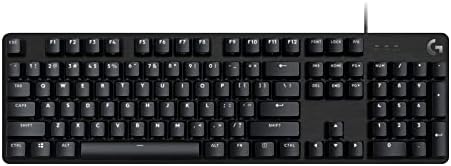
Logitech G413 SE Full-Size Mechanical Gaming Keyboard - Black
A full-size wired mechanical keyboard in black, for anyone who wants a number pad and a conventional layout without giving up mechanical switches.
Visit on AmazonPrices and availability may change. Check the retailer for current details.
How these products were compared
This guide compares layout and footprint, switch type and whether the switches are swappable, connectivity options, firmware and remapping support, and keycap and case materials. Product names, images, and retailer links are matched by product identifier so that every card points to the product shown.
Everything below is drawn from published manufacturer specifications and product listings. Where a detail is not documented, this guide says so instead of filling the gap with a guess. No current prices are printed here, because listings move; use the link on each card to confirm price, availability, and return terms at the moment you read this.
How to choose the right mechanical keyboard
Start with the layout, because that is the decision you cannot undo with a firmware update. A 60% board like the RK ROYAL KLUDGE RK61 removes the arrow cluster, the function row, and the number pad, which buys desk space but pushes those keys onto layers you have to memorize. A 75% board like the AULA F75 Pro or the Keychron K3 Version 2 keeps the arrow keys and function row while staying compact, which is the compromise most programmers land on. Tenkeyless, as on the Keychron K8, keeps everything except the number pad. Full-size, as on the Logitech G413 SE, keeps all of it. If your work involves spreadsheets, financial data, or keyboard-driven editors with heavy modifier use, dropping the arrow cluster costs you more than it saves.
Switches are the second decision, and the terminology matters more than the marketing. Linear switches such as the Red switches in the RK61 and the Silent Red switches in the Cherry MX 3.0S travel smoothly with no tactile bump, which many people find easier on long typing sessions. Tactile switches such as the Brown switches in the Keychron K8 add a bump at the actuation point without the noise of a clicky switch, which makes them a reasonable middle ground for shared spaces. If you are unsure where you fall, the difference between linear and tactile switches is worth reading before you commit.
Then check whether the switches are swappable. Hot-swap sockets let you pull a switch with a small tool instead of reaching for a soldering iron, so a board you dislike at week two can become a board you like at week three. Two boards here, the AULA F75 Pro and the RK61, advertise hot-swappable sockets in their listings. The others do not, so treat their switches as permanent. Finally, decide how you want to connect: a wired board is one fewer thing to charge, while Bluetooth and 2.4GHz options trade a cable for battery management. All three wireless boards in this roundup also support wired USB-C operation, which is the detail that matters when the battery is empty and you have a deploy in ten minutes.
AULA F75 Pro Wireless Mechanical Keyboard
The AULA F75 Pro is the board that covers the most ground for the fewest compromises. Its 75% layout keeps the arrow keys and function row, the rotary knob handles volume without a keyboard shortcut, and the listing advertises hot-swappable sockets, pre-lubed Reaper switches, side-printed PBT keycaps, RGB backlighting, and three connection modes: 2.4GHz wireless, USB-C, and Bluetooth 5.0. For a desk that has to serve both a work laptop and a personal machine, that combination of switchable layouts and switchable radios is the practical answer, and PBT keycaps are the more wear-resistant choice compared with the ABS caps common at this end of the market.
The trade-offs are real. A 75% board still has no number pad, so anyone doing heavy numeric entry should look at the full-size option instead. Side-printed keycaps put the legends on the front face rather than the top, which some people read more easily and others find harder to scan at a glance. And the listing does not name QMK or VIA support, so if open-source remapping in a browser is a requirement rather than a nice-to-have, the RK61 and the Keychron K3 Version 2 are the two boards in this roundup that advertise QMK explicitly.
Alternatives to consider
The RK ROYAL KLUDGE RK61 Wired 60% Mechanical Gaming Keyboard is better suited to minimalists and travelers who want the smallest possible footprint and full QMK and VIA programmability, with pre-lubed Red switches and hot-swap sockets to match. The Keychron K8 Tenkeyless Wireless Mechanical Keyboard is a stronger fit when you want a wider layout, Bluetooth with multitasking shortcuts, Mac-friendly key legends, and Brown switches that give tactile feedback without click noise.
The Keychron K3 Version 2, Cherry MX 3.0S, and Logitech G413 SE cover the remaining use cases. The K3 Version 2 is the low-profile pick, a 75% wireless board with QMK support for people who prefer a slim deck and a shorter key travel. The Cherry MX 3.0S is the quiet wired option, built around MX2A Silent Red switches, which makes it the sensible choice for an open office or a shared room. The Logitech G413 SE is the conventional full-size wired board, with a number pad and a standard layout for anyone who does not want to relearn anything.
Day-to-day use and maintenance
Mechanical keyboards are low-maintenance, but they are not maintenance-free. Keycaps collect skin oil, and on PBT caps that shows up as a subtle shine over months of use. A microfiber cloth and a little warm water on the cloth, not poured onto the board, handles most of it. For crumbs and dust between the switches, a soft brush or a can of compressed air held at an angle works better than turning the board upside down and shaking it, which mostly redistributes debris.
Never submerge a keyboard or run it through a dishwasher, and unplug it or switch it off before any cleaning. Wireless boards in this roundup charge over USB-C, so keep the cable somewhere you can reach without crawling under the desk, because the moment you need it is the moment the battery is at four percent. If you buy a hot-swappable board, keep the switch puller that ships with it in a drawer rather than the box, and store any spare switches somewhere dry. Boards with a rotary knob should be cleaned around the knob base, since that is where dust and coffee tend to collect.
If the board goes into a bag, use a sleeve or a case. Low-profile boards like the Keychron K3 Version 2 travel better in a laptop bag, but all six of these are happiest on a desk. And if you are buying a board for a shared space, remember that switch type, not keycap material or firmware, is what determines how loud the thing is to the person sitting next to you.
Buying checklist
- Measure your desk or keyboard tray and decide whether you can live without a number pad and arrow keys.
- Choose your switch type based on normal daily use rather than an occasional edge case.
- Confirm that the exact model you are ordering includes the feature you care about, such as hot-swap sockets, QMK or VIA support, or Bluetooth.
- Check whether the board uses standard-profile or low-profile switches and keycaps, since that limits what you can swap in later.
- Read the cleaning and maintenance instructions, and keep the original cable and puller.
- Verify the current retailer price, availability, and return terms before you order.
Final recommendation
Choose the AULA F75 Pro Wireless Mechanical Keyboard when you want one board that handles a work laptop, a personal machine, and a compact desk without giving up arrow keys or volume control, and when hot-swappable switches matter more to you than open-source firmware. Choose the Keychron K8 Tenkeyless Wireless Mechanical Keyboard when a tenkeyless layout, Bluetooth multitasking, and tactile Brown switches fit your setup better. If your priority is QMK and VIA programmability in the smallest possible frame, the RK61 is the better answer, and if you need quiet operation in a shared room, the Cherry MX 3.0S is the one to look at first.