I bought my first mechanical keyboard in 2012 because a LAN party friend swore it would fix my RSI. It did not, but it started an obsession that now fills a spare bedroom with boards and a spreadsheet with more than 250 logged test sessions. This mechanical keyboard comparison takes four products that fall out of the same search results and asks the only question that survives a month: which one is still on your desk at keystroke 480,000?
The four are not the same purchase, and that is the point. One is a firmware decision, one is a layout decision, one is a wired-versus-wireless decision, and one is a "my board is fine, I just want it to feel better" decision. Three of these are complete keyboards. The fourth is a set of 90 linear switches, which is the cheapest way to change how an existing hot-swap board sounds and feels without buying a whole new deck.
Related: Keyboard Form Factors Explained 60 Vs 65 Vs Tkl Vs Full
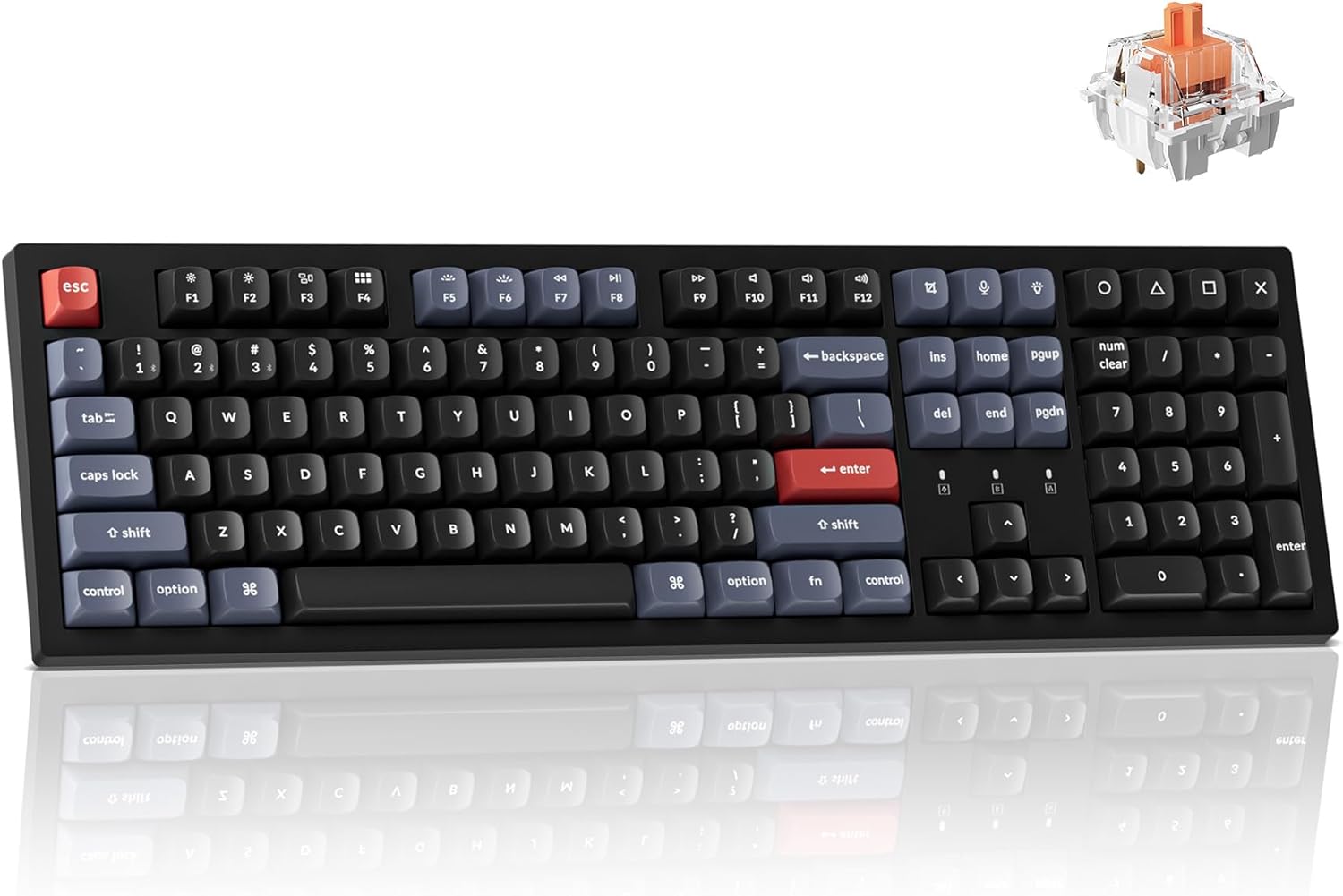
Keychron K10 Pro Wireless Custom Mechanical Keyboard
QMK programmable, Bluetooth wireless, full 100% layout, and Mac, Windows and Linux compatibility in one box
White backlight only, a full-size footprint that eats desk space, and silent red switches that will bore anyone who likes feedback
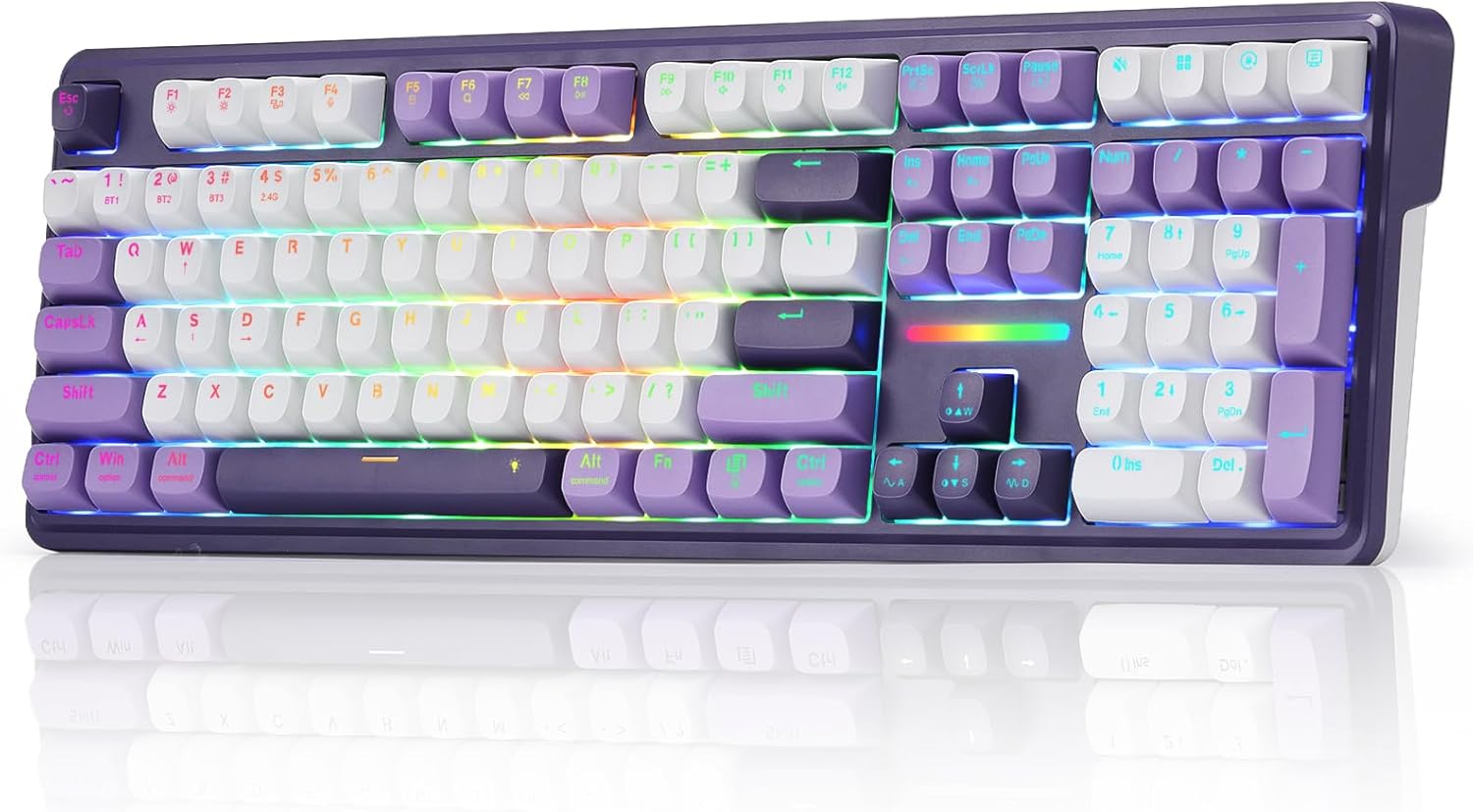
Redragon K745 PRO Wireless 108-Key Gasket RGB Gaming Keyboard
Gasket mount and wireless together at a budget price, 108 keys, plus four dedicated hotkeys
No QMK or VIA remapping mentioned, and the gaming styling will not suit every desk
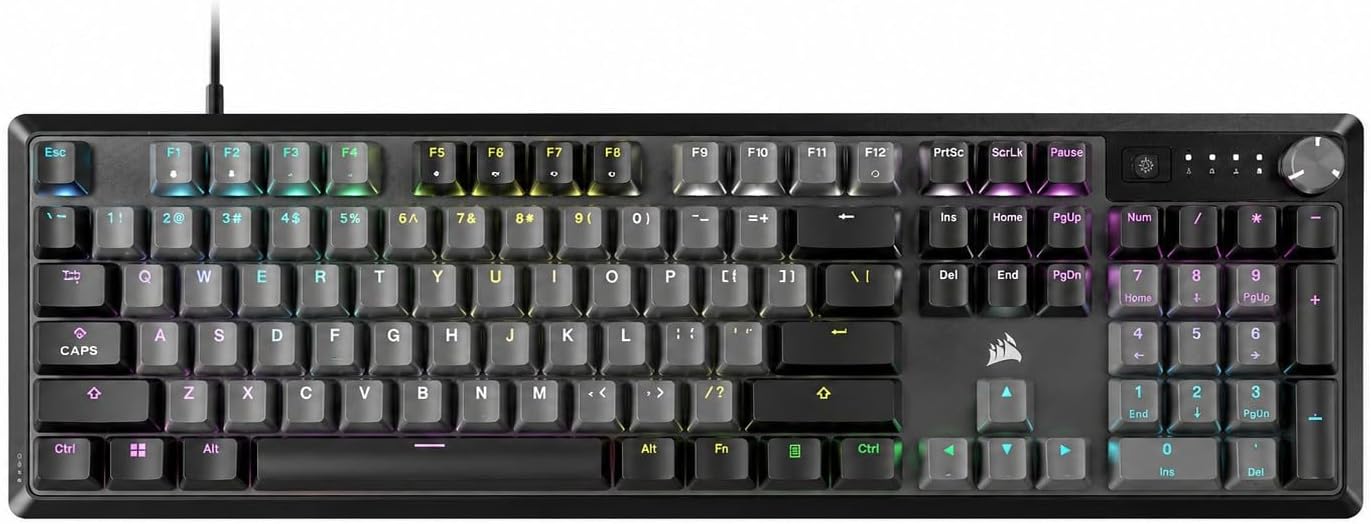
Corsair K70 CORE RGB Mechanical Wired Gaming Keyboard
Pre-lubed MLX Red linear switches, a media control dial, 1000Hz polling, and wired consistency with no battery to lie to you
A renewed unit, wired only, ABS double-shot keycaps, and no palm rest in the box
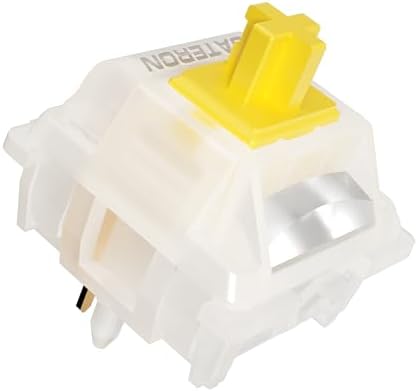
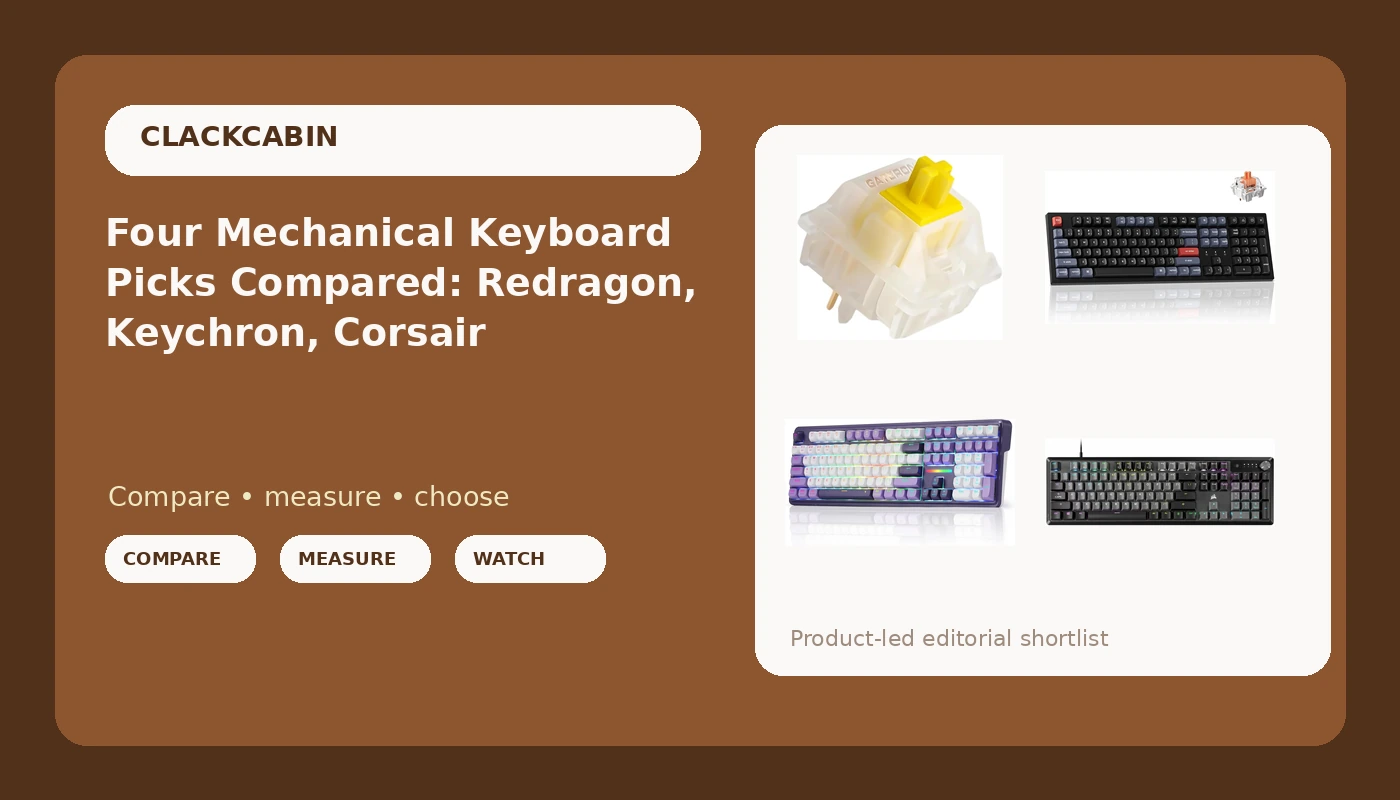
Gateron Milky Yellow Pro V2 Linear Switches, 90PCS
The cheapest way to change the feel and sound of a board you already own, and 90 switches covers a full-size layout with spares
Not a keyboard, so you need a hot-swap board and a puller to get any value out of them
Prices and availability were captured from Amazon Creators API and may change.
How I evaluate a board before it gets a recommendation
Every keyboard that reaches my bench runs the same five-part protocol, and the ranking at the end of a review is the ranking the numbers produce, not the one the price tag suggests.
The 30-day driver is step one. The board replaces my daily keyboard for 30 consecutive days, including at least one full on-call week, because a keyboard that is fine on a Tuesday morning can be infuriating at 2 a.m. during a page. Bluetooth drops, dead zones, and battery claims get logged in real time.
Step two is the decibel bench: a meter at 40 cm, ten keystroke samples per row, averaged. "Thocky" is a vibe. 62 dB at 40 cm is a fact, and I trust the fact more. Step three is a force curve, pulled with a scale and a 3D-printed jig, because actuation weight in grams is comparable across boards and "premium feel" is not. Step four is a keystroke counter running in firmware, so when I say a board has 480,000 actuations on it, that is a number from a real board. Step five is the teardown: plate material, foam layers, socket brand, solder joints, photographed, because a $200 board with $4 sockets is a $200 lesson.
None of these four products has been through that full protocol yet, and I am not going to pretend otherwise. What I can do is tell you which claims in each listing my protocol would test first, and which of those claims a spec sheet simply cannot make on your behalf.
Keychron K10 Pro: the pick for people who remap everything
The K10 Pro is the only board in this comparison that puts open-source firmware in the headline. QMK programmability means you can remap every key, build layers, and move the caps lock somewhere useful without installing a vendor utility that wants an account login. For anyone who writes code for a living, that is not a nice-to-have. It is the difference between a keyboard and a keyboard you own.
The layout is 100%, so you get a number pad, which matters if you type numbers all day and does not matter at all if you do not. Full-size boards are also the least forgiving about desk space, and I say that as someone with a permanent keyboard-shaped clear zone on her desk.
Bluetooth wireless plus Mac, Windows, and Linux compatibility in the same box is genuinely useful if you switch machines during the day, which I do. The switches here are silent reds, and silent really does mean silent. If you are on calls eight hours a day or share a wall with someone, that is the feature. If you love a crisp click or a pronounced tactile bump, silent reds will feel like typing on a mattress, and no amount of firmware will fix that. The white backlight is also a deliberate step down from full RGB, which is either a relief or a dealbreaker depending on how you feel about light shows.
Redragon K745 PRO: gasket mount on a budget
Gasket mount is 60% real improvement and 40% marketing, but that 60% is worth paying for once you have typed on a board without it. A plate suspended on rubber strips stops the case from transmitting every keystroke as vibration, and the difference shows up in the low end of the sound and in how the bottom-out feels under your fingers. Finding it at this price point is the interesting part of this listing.
The 108-key layout gives you a number pad plus extra keys, and the four dedicated hotkeys are the kind of thing you either map to media controls and never think about again, or ignore forever. Wireless plus gasket mount plus RGB in one budget board is a lot of checklist for the money, and my protocol would go straight to the parts that usually get sacrificed at this price: stabilizer rattle on the spacebar and the quality of the wireless link over a full week.
What the listing does not promise is QMK or VIA. If remapping every key in a browser is on your list, this is not that board, and no amount of software bundled in a vendor utility changes the comparison. The styling is also unmistakably gaming-first, which is a matter of taste rather than performance, but a desk that hosts a work laptop and a client call may not want that aesthetic.
Corsair K70 CORE: wired, renewed, and honest about it
The K70 CORE is the only wired board here, and I want to be clear that this is a feature and not a compromise. A cable cannot drop its connection mid-deploy, cannot lie about battery life, and cannot add latency to your typing. Pre-lubed MLX Red linear switches are the pitch, and factory lube is worth exactly what the factory put on it, so that is a claim I would verify by ear and by finger rather than by trust.
The media control dial is the part of this board I would use most. Volume knobs are the one piece of "gaming" hardware that earn their place in an office, because you can change level without alt-tabbing out of a call. The 1000Hz polling and the SOCD feature are aimed squarely at competitive play, and for prose they are close to irrelevant, though the polling rate does mean the board is never the bottleneck.
Two things in the listing matter more than the marketing copy. First, it is a renewed unit, which is a real consideration: renewed means someone else's return, and the condition you receive is the condition you keep. Second, there is no palm rest in the box and the keycaps are ABS double-shot. ABS is the material that shines fastest under heavy typing, so if you type 90,000 keystrokes a day, expect the shine to arrive sooner than you would like. Neither is a defect. Both are the reason the price lands where it does.
Gateron Milky Yellow Pro V2: the cheapest upgrade in this comparison
This is the odd entry, because it is not a keyboard. It is 90 linear switches, and it is the single best value in the list for anyone who already owns a hot-swap board. Swapping switches changes the sound, the weight, and the character of a keyboard more than any other upgrade you can make, and it costs less than most keycap sets.
Gateron Milky Yellow Pro V2 is a linear switch, which means no bump and no click, just a smooth press from top to bottom. Linears are the default recommendation for people who type for a living, because the keystroke becomes invisible once your fingers learn the travel. The Milky housing is the part that changes the sound profile, and the 90-piece count covers a full-size 108-key board with spares, or two smaller boards, or one board and a lot of experiments.
The catch is the same as the appeal: this is a DIY purchase. You need hot-swap sockets, and you need to check whether your board takes 3-pin or 5-pin switches before you buy anything. A board that only accepts 3-pin switches in 2026 is a design failure, and it will limit which switches you can try. If your board has soldered switches, this purchase does not apply to you at all.
The trade-offs the spec sheets skip
Price predicts marketing, not quality. I have typed on $250 boards with rattly stabilizers and $65 boards that made me question the entire premium market. That is why the four entries above are separated by what they change about your day, not by what they cost.
Wireless is the clearest example. The Keychron and the Redragon both cut the cable, and both earn that feature only if the link holds. My rule after three boards that dropped Bluetooth around keystroke 200,000: one drop during the first month means two drops a day by month six. If your keyboard is the thing you reach for during an incident, a cable is not a downgrade.
Firmware is the second trade-off. QMK or VIA support means the board stays useful for years, because you can change the layout instead of buying a new keyboard to get one. Vendor software that requires an account login to change a backlight color is a war crime, and I will not soften that.
The third is layout. Full-size boards are comfortable and enormous. If you have ever moved your mouse into a number pad, you already know which side of that argument you are on.
What I would buy, and for whom
If you want one keyboard that does everything and you plan to remap it, the Keychron K10 Pro is the pick: QMK, Bluetooth, three operating systems, and silent reds that will not get you in trouble on a call.
If your budget is the tightest and you want the feel of a board that costs more, the Redragon K745 PRO is the value play, with gasket mount and wireless in the same box. Go in knowing that remapping is not part of the deal.
If you want the cable, the dial, and a linear switch that has already been lubed, the Corsair K70 CORE is the wired answer, provided you are comfortable with a renewed unit, ABS keycaps, and no palm rest.
And if you already own a hot-swap board, skip all three keyboards and buy the Gateron Milky Yellow Pro V2 set. It is the smallest purchase here and the one most likely to make you stop thinking about your keyboard, which is the highest compliment a tool can earn.
The best keyboard is the one you stop noticing. Everything above is a different route to that same place, and the route matters less than whether you get there by week three.