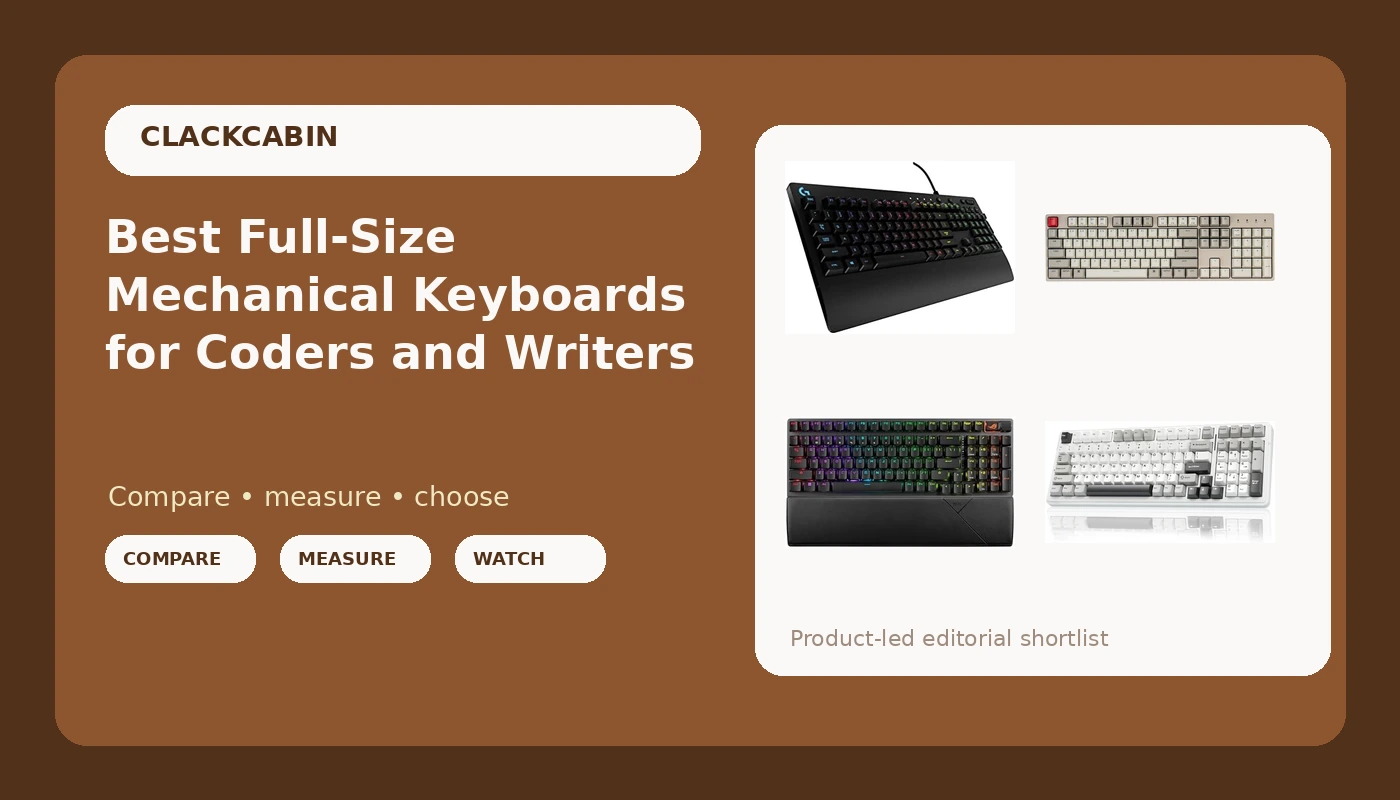
Every full-size mechanical keyboard review opens the same way: someone tells you the board sounds deep and satisfying, and you are supposed to hand over your money. I would rather you knew three specs before you buy. Are the switches hot-swappable? Is the wireless link tri-mode or single-mode? Are the keycaps PBT or ABS? Those three answers decide whether you still like the board at keystroke 300,000, and they are usually buried three screens down, under the RGB marketing.
This guide compares five full-size and 96% boards that are sold at retail today, from a wired Keychron with tactile switches to a tri-mode ASUS with hot-swap sockets. Every claim below stays inside what each listing actually publishes, and every card links to the live product page so you can confirm the current price and the exact variant yourself.
Related: Mechanical Keyboard Switch Types Explained
Quick answer
The ASUS ROG Strix Scope II 96 Wireless Mechanical Gaming Keyboard, 96% Full-Size, Tri-Mode Connectivity, Hot Swappable Pre-lubed ROG NX Snow Linear Switches, PBT Keycaps, RGB, PC/Mac Support-Black is the strongest fit for most people because it is the only board here that combines a numpad-friendly 96% layout with tri-mode connectivity, hot-swap sockets, pre-lubed linear switches, and PBT keycaps in one package. Choose AULA F99 Wireless Mechanical Keyboard,Tri-Mode BT5.0/2.4GHz/USB-C Hot Swappable Custom Keyboard,Pre-lubed Linear Switches,RGB Backlit Computer Gaming Keyboards for PC/Tablet/PS/Xbox instead when you want the same tri-mode plus hot-swap combination in a 99-key layout with a wider list of supported devices.
Full-size mechanical keyboards worth comparing
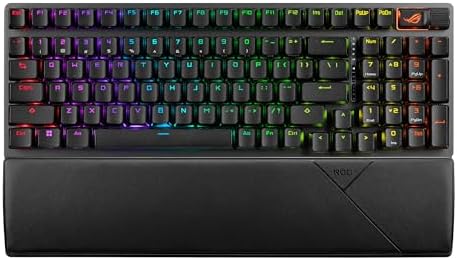
ASUS ROG Strix Scope II 96 Wireless Mechanical Gaming Keyboard, 96% Full-Size, Tri-Mode Connectivity, Hot Swappable Pre-lubed ROG NX Snow Linear Switches, PBT Keycaps, RGB, PC/Mac Support-Black
A 96% full-size board with tri-mode connectivity, hot-swappable pre-lubed ROG NX Snow linear switches, PBT keycaps, RGB lighting, and listed PC and Mac support.
Visit on Amazon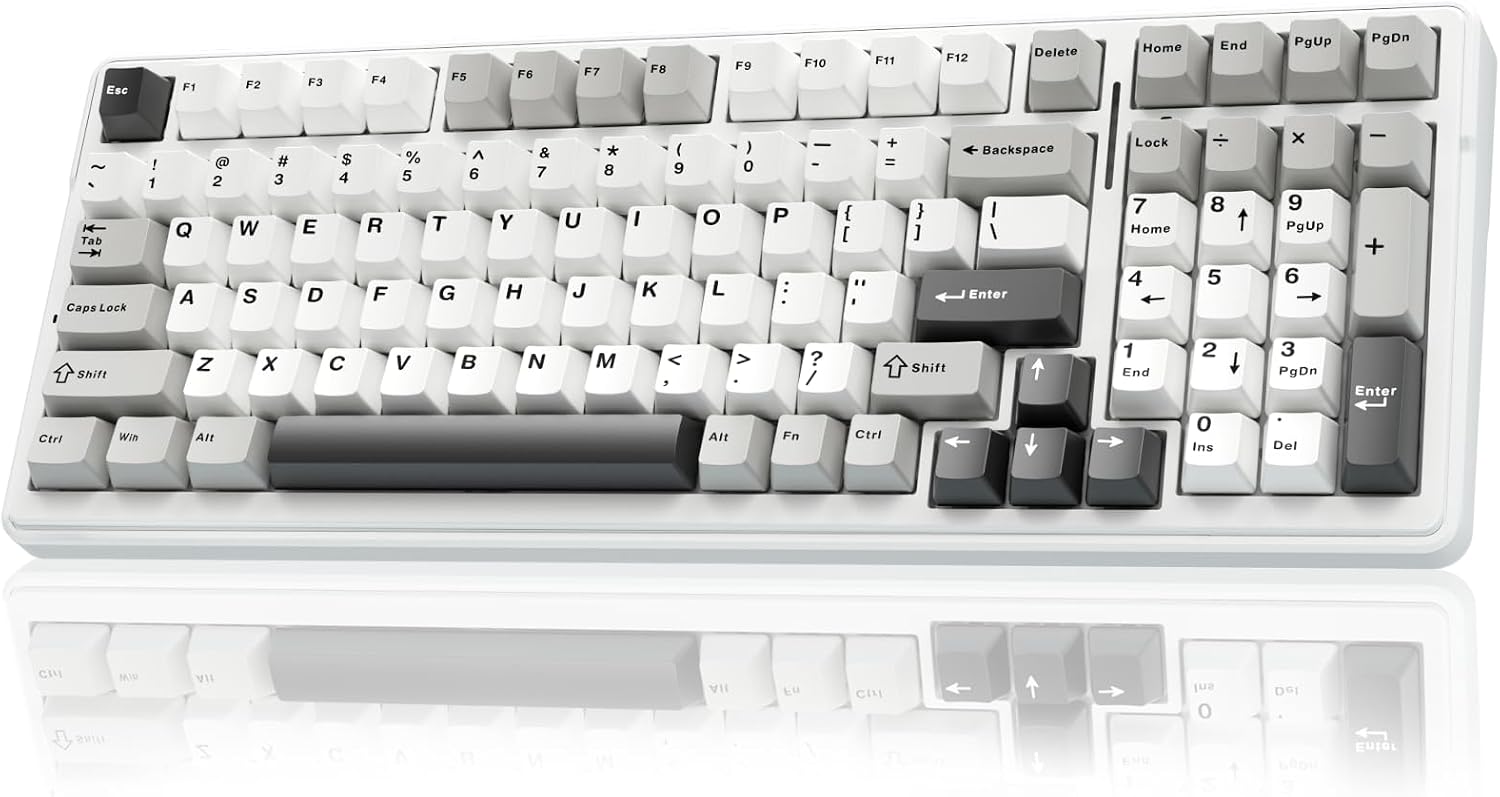
AULA F99 Wireless Mechanical Keyboard,Tri-Mode BT5.0/2.4GHz/USB-C Hot Swappable Custom Keyboard,Pre-lubed Linear Switches,RGB Backlit Computer Gaming Keyboards for PC/Tablet/PS/Xbox
Tri-mode wireless with Bluetooth 5.0, 2.4GHz, and USB-C, plus hot-swappable sockets, pre-lubed linear switches, RGB backlighting, and support for PC, tablet, PS, and Xbox.
Visit on Amazon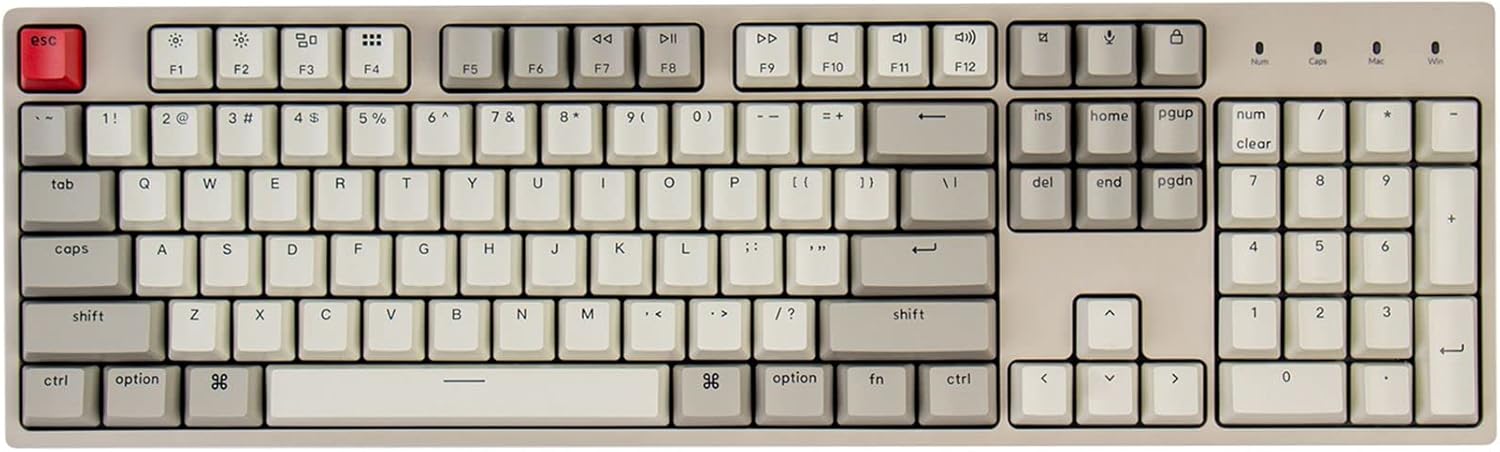
Keychron C2 Full Size Wired Mechanical Keyboard, Brown Switch, Retro
A full-size wired mechanical keyboard with tactile Brown switches and a retro colorway, for typists who want a straightforward plug-in board with no battery to manage.
Visit on Amazon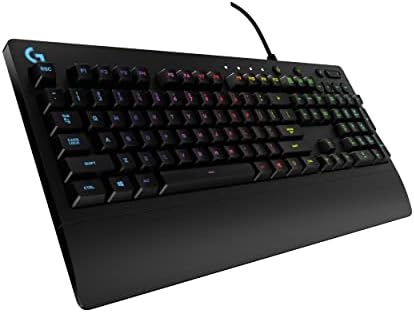
Logitech G213 Prodigy Wired RGB Gaming Keyboard - Black
A wired full-size RGB gaming keyboard in black. Its listing does not advertise mechanical switches or hot-swap sockets, so verify those details if they matter to you.
Visit on Amazon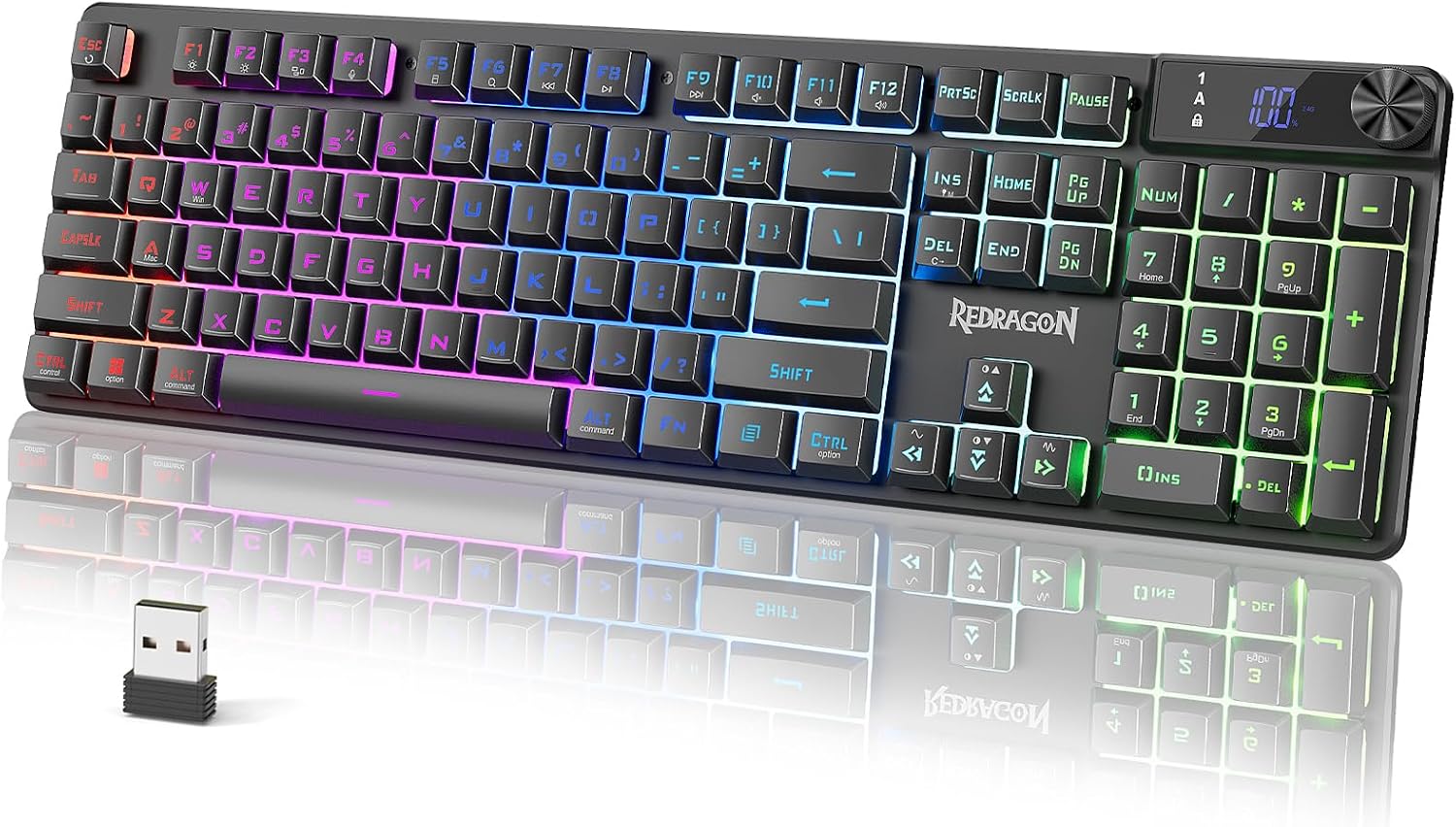
Redragon K521 Pro Wireless Gaming Keyboard with Screen
A wireless gaming keyboard that includes an on-board screen, a feature no other board in this group lists.
Visit on AmazonPrices and availability may change. Check the retailer for current details.
How these products were compared
This guide compares five things that are actually published for each board: layout and size, meaning a standard 100%, a 96% board, or a 99-key board; switch type and whether the sockets are hot-swappable; connectivity, meaning wired only or tri-mode Bluetooth, 2.4GHz, and USB-C; keycap material and lighting; and platform support, including extras such as an on-board screen. Product names, images, and retailer links are matched by product code so that every card points to the product shown.
One thing this guide is not is a lab report. The specifications below come from each manufacturer's published product details, not from a bench session on my desk, so where a listing is quiet about something, I say so instead of filling the gap with a guess. Prices move constantly, which is why you will not find a hard number printed here; use the card link to confirm the current price, availability, and the exact variant being sold.
How to choose the right full-size mechanical keyboard
Start with layout, because it is the one thing you cannot change later. A standard 100% board gives you a numpad, a complete navigation cluster, and full-size spacing everywhere. A 96% board such as the ROG Strix Scope II 96 keeps the numpad and the arrow keys but tightens the spacing around them to save width, and a 99-key board such as the AULA F99 does something similar. If your day runs through a spreadsheet, a CAD package, or an IDE where you reach for the numpad constantly, all three layouts work. If you also write a lot of prose, think about the navigation keys, because compressed clusters are where muscle memory goes to complain.
Next, the switches. The ROG Strix Scope II 96 and the AULA F99 both list pre-lubed linear switches, which means a smooth press with no tactile bump, and the Keychron C2 uses Brown switches, which are tactile, so you feel a small bump at the actuation point. Neither is better. Linear tends to suit fast repeated input, and tactile tends to suit typists who like confirmation that a key registered. What matters more in 2026 is hot-swap support, which is advertised on the ASUS and the AULA here. Hot-swap sockets let you change your mind about switches later with a puller instead of a soldering iron. The Keychron C2 listing does not mention hot-swap, so confirm the exact variant before ordering if that feature is the deciding factor for you.
Connectivity is the third decision. A wired board never needs charging and never drops a link, which is why the Keychron C2 and the Logitech G213 Prodigy are the simplest options in this group. Tri-mode boards add Bluetooth 5.0 and a 2.4GHz dongle on top of USB-C, which is what you want if you move between a work laptop, a desktop, and a tablet in the same afternoon. The trade-off is battery management: a wireless board needs charging, and a board that never leaves your desk may as well stay plugged in.
Keycaps and software round out the list. PBT keycaps, as listed on the ROG Strix Scope II 96, are generally more resistant to the shiny wear that shows up on ABS caps over time. On the software side, RGB lighting is easy to find and harder to live with when the control app demands an account login just to change a color, so if you plan to set one profile and forget it, weigh that accordingly. If you are still deciding between switch families, our switch type guide breaks down linear, tactile, and clicky in plain terms.
ASUS ROG Strix Scope II 96 Wireless Mechanical Gaming Keyboard, 96% Full-Size, Tri-Mode Connectivity, Hot Swappable Pre-lubed ROG NX Snow Linear Switches, PBT Keycaps, RGB, PC/Mac Support-Black
The ASUS ROG Strix Scope II 96 Wireless Mechanical Gaming Keyboard, 96% Full-Size, Tri-Mode Connectivity, Hot Swappable Pre-lubed ROG NX Snow Linear Switches, PBT Keycaps, RGB, PC/Mac Support-Black is the top pick because it covers the specs that are hardest to add after the fact. It is a 96% board, so you keep the numpad and the arrow keys while giving up some desk width. It connects three ways: Bluetooth, a 2.4GHz dongle, and USB-C. The switches are pre-lubed ROG NX Snow linears, the sockets are hot-swappable, and the keycaps are PBT. RGB lighting and PC and Mac support are listed as well, which matters if you split your week between operating systems.
The trade-offs are real. A 96% layout compresses the navigation cluster, so if you navigate by feel through Home, End, and the arrows, plan on an adjustment period. Tri-mode wireless makes you responsible for charging a keyboard, and factory pre-lubed switches are a starting point rather than a finished sound, which is exactly why the hot-swap sockets are the feature worth paying for. Finally, confirm which switch variant the listing is selling before you order, because the same model name often appears with more than one switch option.
Alternatives to consider
The AULA F99 Wireless Mechanical Keyboard,Tri-Mode BT5.0/2.4GHz/USB-C Hot Swappable Custom Keyboard,Pre-lubed Linear Switches,RGB Backlit Computer Gaming Keyboards for PC/Tablet/PS/Xbox is better suited to someone who wants tri-mode wireless and hot-swap sockets in a 99-key layout and also plays on a console, since its listing names PC, tablet, PlayStation, and Xbox support. The Keychron C2 Full Size Wired Mechanical Keyboard, Brown Switch, Retro is a stronger fit when you want a true full-size wired board with tactile Brown switches and no battery to think about at all.
The Logitech G213 Prodigy Wired RGB Gaming Keyboard - Black covers the simplest case: a wired full-size board with RGB lighting for someone who does not need wireless, hot-swap sockets, or switch swapping, though its listing does not advertise mechanical switches, so check that detail first if a mechanical feel is the entire point. The Redragon K521 Pro Wireless Gaming Keyboard with Screen covers the wireless gaming angle and adds an on-board screen, a feature none of the other boards in this group list.
Day-to-day use and maintenance
Most of what kills a keyboard is not typing, it is coffee and dust. Switch the board off or unplug it before cleaning, wipe the case and keycaps with a barely damp cloth, and keep drinks on the far side of the desk. If you pull keycaps, use a proper puller and pull straight up. On hot-swap boards the same rule applies to the switches themselves, and bending a socket pin is the fastest way to turn a five-minute switch swap into an evening with a soldering iron.
For wireless boards, charge them the way you would a phone rather than running them flat every cycle, and keep the 2.4GHz dongle out of a crowded USB hub when you can, since busy hubs are a common source of stutter. Check the manufacturer's page for firmware updates once or twice a year, especially on tri-mode models, because connection fixes tend to land there. And read the care instructions for your specific board before you improvise, particularly around liquids and cleaning solvents.
Buying checklist
- Measure your desk depth and check the published dimensions of the exact model, since 96% and 99-key boards are narrower than a standard 100% board but can differ in depth.
- Choose the switch type based on how you type most days rather than on one occasional game.
- Confirm that the exact model includes hot-swap sockets, the switch type you want, and PBT keycaps, because model names get reused across variants.
- Read the cleaning and maintenance instructions before anything gets spilled.
- Verify the current retailer price, availability, and return terms through the product link.
Final recommendation
Choose the ASUS ROG Strix Scope II 96 Wireless Mechanical Gaming Keyboard, 96% Full-Size, Tri-Mode Connectivity, Hot Swappable Pre-lubed ROG NX Snow Linear Switches, PBT Keycaps, RGB, PC/Mac Support-Black when you want one board that covers a numpad, three connection modes, hot-swap sockets, and PBT keycaps, and you can live with a compressed navigation cluster. Choose the AULA F99 Wireless Mechanical Keyboard,Tri-Mode BT5.0/2.4GHz/USB-C Hot Swappable Custom Keyboard,Pre-lubed Linear Switches,RGB Backlit Computer Gaming Keyboards for PC/Tablet/PS/Xbox when tri-mode wireless, hot-swap support, and console compatibility matter more than the ASUS extras, or the Keychron C2 Full Size Wired Mechanical Keyboard, Brown Switch, Retro when tactile switches and a cable are all you want to manage. If your needs are simpler, the Logitech G213 Prodigy and the Redragon K521 Pro cover wired RGB and wireless with an on-board screen respectively, and both are clear about what they offer.